Holiday Sparkle Gift Card

  • Customize Card Art
  • Card Value and Quantity

Holiday Sparkle Gift Card

Card Message
Required
Please select or write a message that will be printed on your gift card.
21 Character Max Characters Remaining
Best Seller
*Indicates a required field
A purchase fee of per card will apply
1
Please note: All cards will have a base shimmer silver treatment that is not shown in the preview.
  • A Brilliant Choice: The Vanilla® Visa® Holiday Sparkle Gift Card makes a special gift. Buy Visa eGift Cards online to send to those across the miles or buy physical Christmas Visa cards to enclose in cards to everyone on your list. For winter gift ideas for hard-to-buy-for people, this makes a dazzling gift they won’t forget.
  • Physical and eGift Cards: Choose a physical Vanilla® Gift Card for in-person gifting or an eGift card for fast online delivery – a perfect option for planned celebrations or last-minute gifts.
  • Scheduled eGift Card Delivery: Prepare in advance for celebrations by ordering gift cards with scheduled delivery up to six months ahead.
  • $10-$500 Gift Card Values: Choose an amount to fit any budget, occasion, and recipient.

Using Your Vanilla Gift Card:

  • Nationwide Acceptance: Use your Vanilla Visa Gift Cards to shop with merchants in the United States and the District of Columbia.
  • Online and In-Store: Use your physical gift card to shop online or in-store nationwide, anywhere Visa debit is accepted.
  • Check Your Balance or Activate Your Card: Call 1-833-322-6760 or go to balance.VanillaGift.com
How to Use Your Gift Card In-Store

  • At checkout in-store, swipe your Card, select ‘Credit’ on the keypad or enter a 4-digit number as your PIN.

How to Use Your Gift Card to Shop Online

  1. Make sure the balance of the Vanilla Gift Card is more than the entire cost of the purchase, including taxes.
  2. Please note: some transaction types require a hold of up to 20% above the purchase amount. See your Cardholder Agreement for more information.
  3. Select ‘Credit’ or ‘Debit’ as the Payment Method (Do not select ‘Gift Card’).
  4. In the Payment Method section, enter the card information as you would a credit or debit card.
  5. In the Billing Address section, please fill in your name and address.
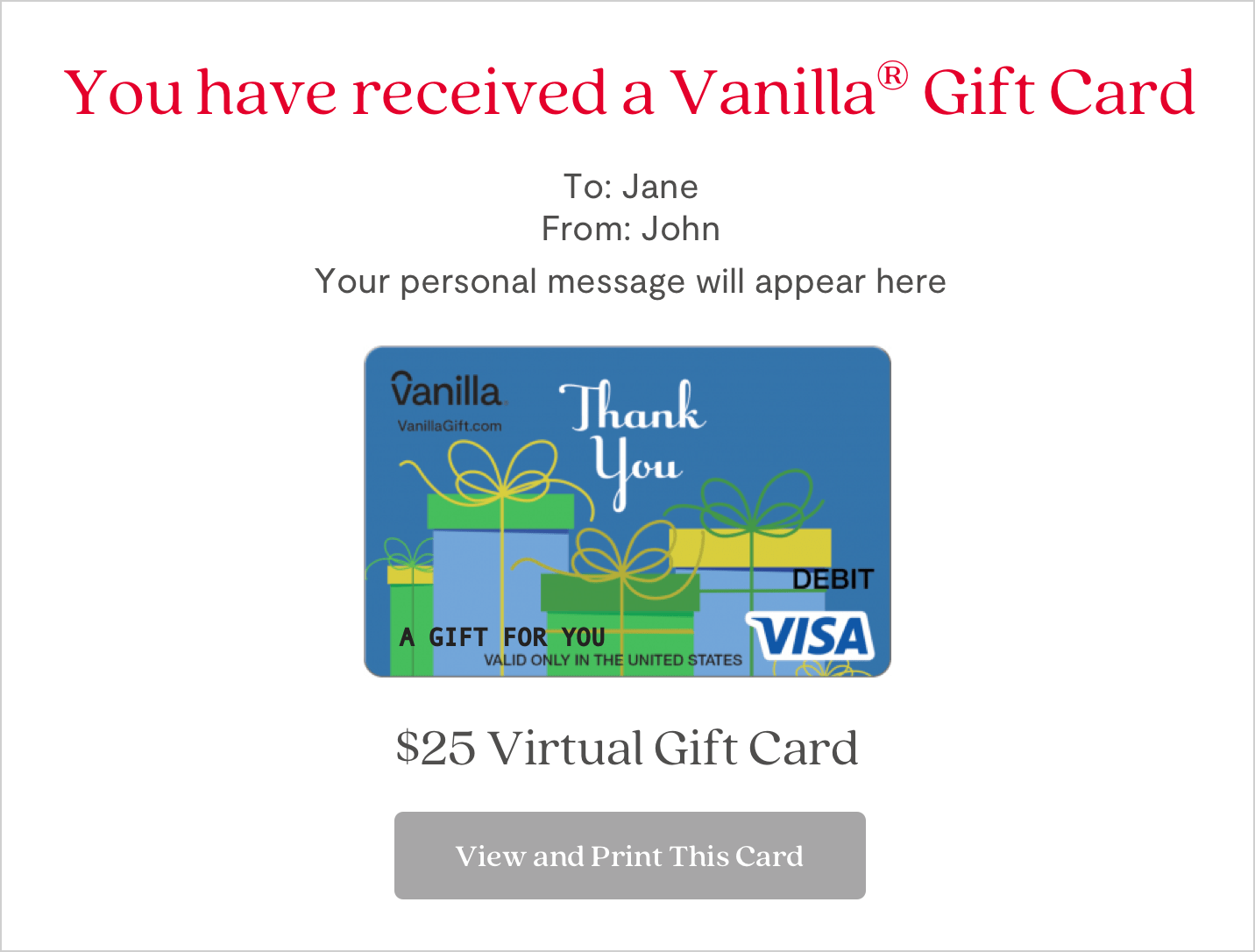
A vanilla gift card is shown on the screen
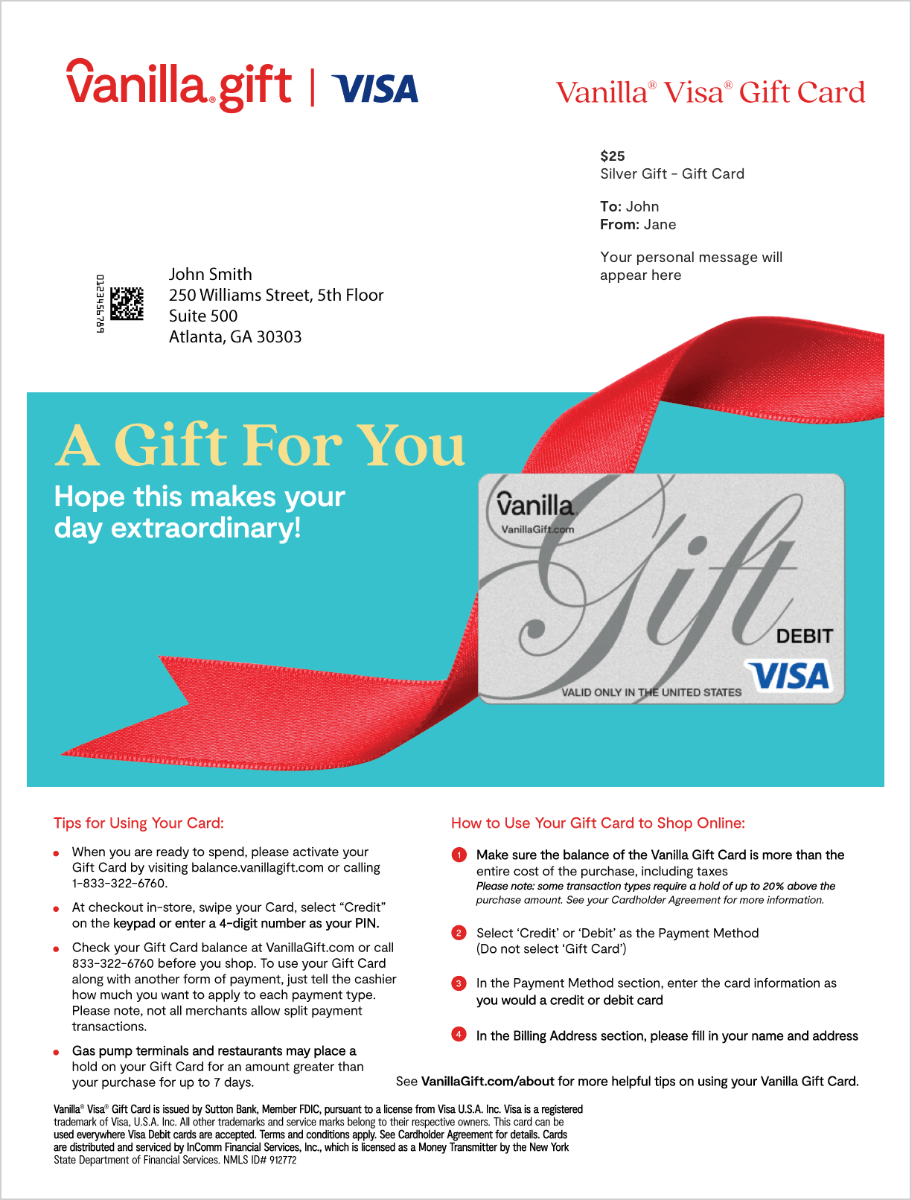
A vanilla gift card with red ribbon