Pink Ribbon Virtual Gift Card
The purchase fee of this Gift Card will be donated to the Breast Cancer Research Foundation®. BCRF’s mission is to advance the world’s most promising research to eradicate breast cancer. For more information about BCRF, visit www.bcrf.org. Promo codes not valid on this Gift Card.
Surprise and delight with Vanilla® Gift - your one-stop-shop for all your prepaid Visa® Gift Card needs. With over 300 Visa Gift Card designs available on VanillaGift.com, you can easily send them as an eGift Card via email (excluding Custom Designed Gift Cards) or as a plastic Gift Card by mail.
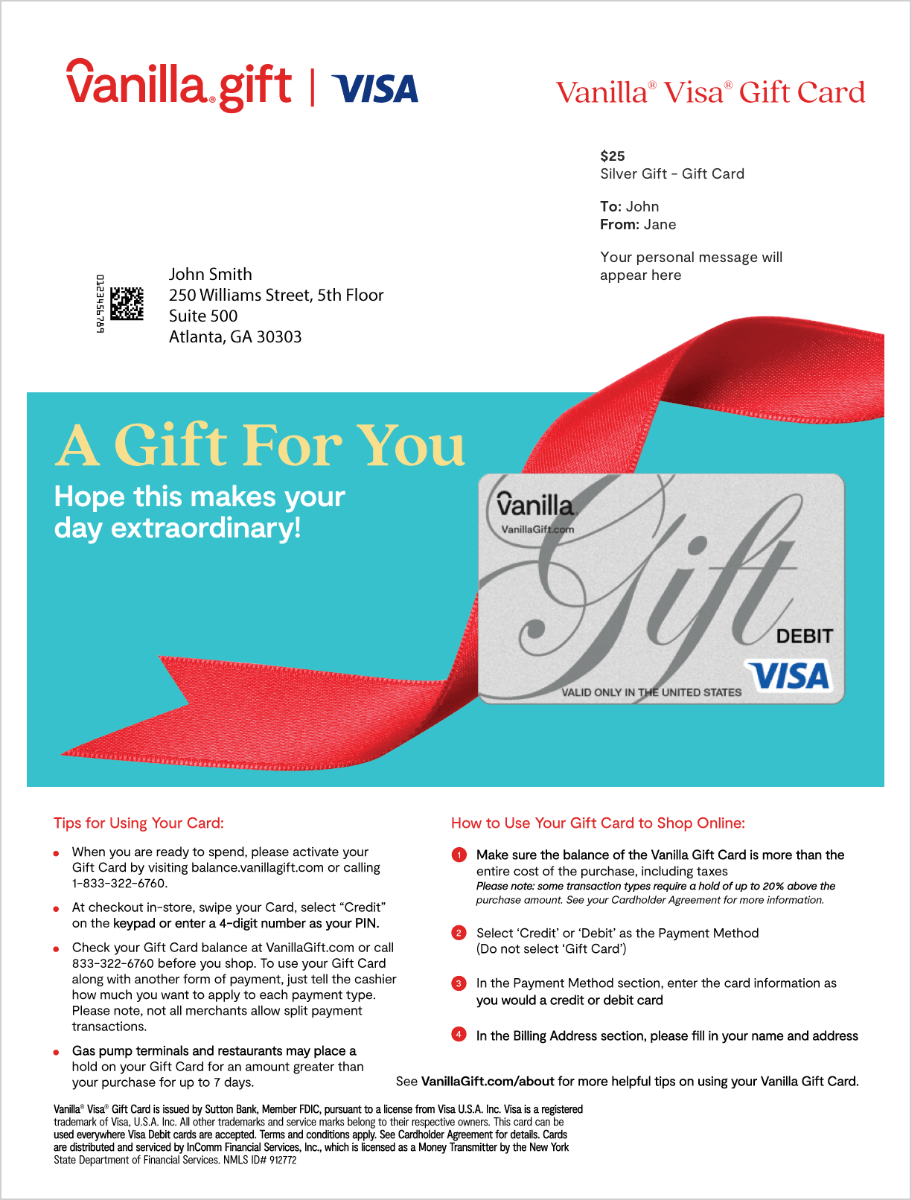
Physical Visa Gift Cards offer the flexibility to spend where you want, when you want. Enjoy the benefit of using your plastic Gift Card nationwide, in-store and online, anywhere Visa debit cards are accepted. You can activate your physical Gift Cards prior to first use by going to balance.VanillaGift.com or by calling 1-833-322-6760.
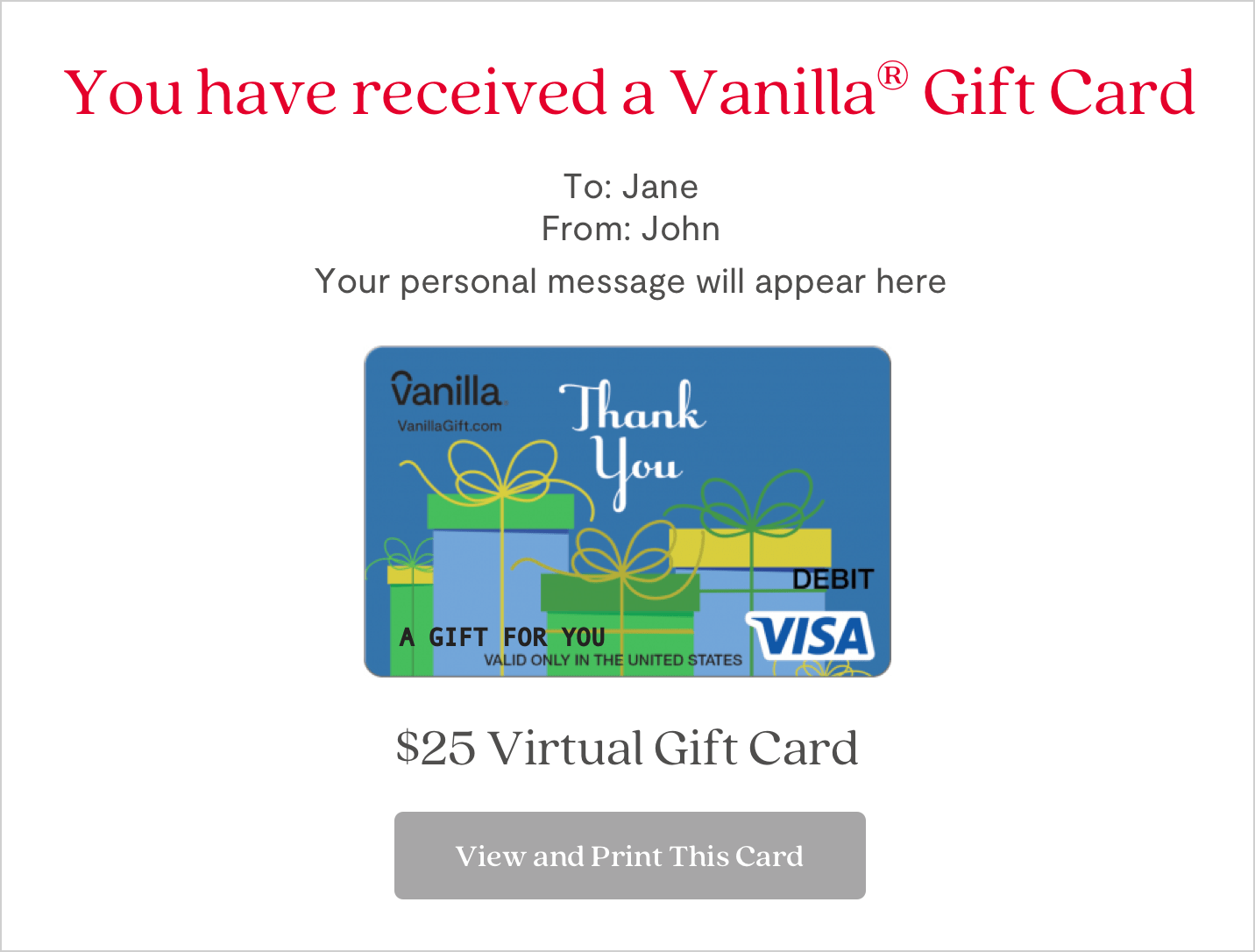
Visa eGift Cards can be used at any United States-based merchant where Visa debit cards are accepted including online, by phone, or by mail-order. Vanilla Visa eGift Cards are activated and ready for use immediately after purchase.
Remember, you can only use your Vanilla Visa Gift Cards to shop with merchants based in the United States and the District of Columbia.
Curious about your Visa Gift Card balance? Find out by calling 1-833-322-6760 or going to balance.VanillaGift.com.
Need more information? Please don't hesitate to call our customer support team at 1-844-433-7898 or check out our FAQs.
How to use to Shop In-Store with digital wallets:
If Add to Wallet is an option on your card, your Visa® Gift Card may be used to pay with digital wallets: Apply Pay, Samsung Pay and Google Pay
- Open the Wallet/App on your device
- Take a photo of the Card or manually enter the Card details
- Follow the on-screen instructions
How to use to Shop Online:
- Make sure the balance of the Visa Gift Card is more than the entire cost of the purchase, including taxes
- Please note some transaction types require a hold of up to 20% above the purchase amount. See your Cardholder Agreement for more information
- Select ‘Credit/Debit’ as the Payment Method (Do not select ‘Gift Card’)
- In the Payment Method section, enter the card information as you would a credit or debit card
- In the Billing Address section, please fill in your name and address
Visa® Gift Cards are issued by Sutton Bank, Member FDIC, pursuant to a license from Visa U.S.A. Inc. Visa is a registered trademark of Visa, U.S.A. Inc. All other trademarks and service marks belong to their respective owners. Cards may be used in the U.S. and District of Columbia everywhere Visa debit cards are accepted. No cash or ATM access. Terms and conditions apply. See Cardholder Agreement for details. Cards are distributed and serviced by InComm Financial Services, Inc., which is licensed as a Money Transmitter by the New York State Department of Financial Services. NMLS ID# 912772.
Colorado, Maryland, and Texas customers: View information about addressing complaints regarding our money services business.