Big Holiday Box Gift Card

  • Customize Card Art
  • Card Value and Quantity

Big Holiday Box Gift Card

Card Message
Required
Please select or write a message that will be printed on your gift card.
21 Character Max Characters Remaining
*Indicates a required field
A purchase fee of per card will apply
1
Please note: All cards will have a base shimmer silver treatment that is not shown in the preview.
  • Packed with Fun: The Vanilla® Visa® Big Holiday Box Gift Card is your go-to for small holiday gifts that get big smiles. It’s easy to order Visa Gift Cards online for everyone on your list, and this colorful style is ready to give with a festive design. Make their day special and your season stress-free with holiday gift cards.
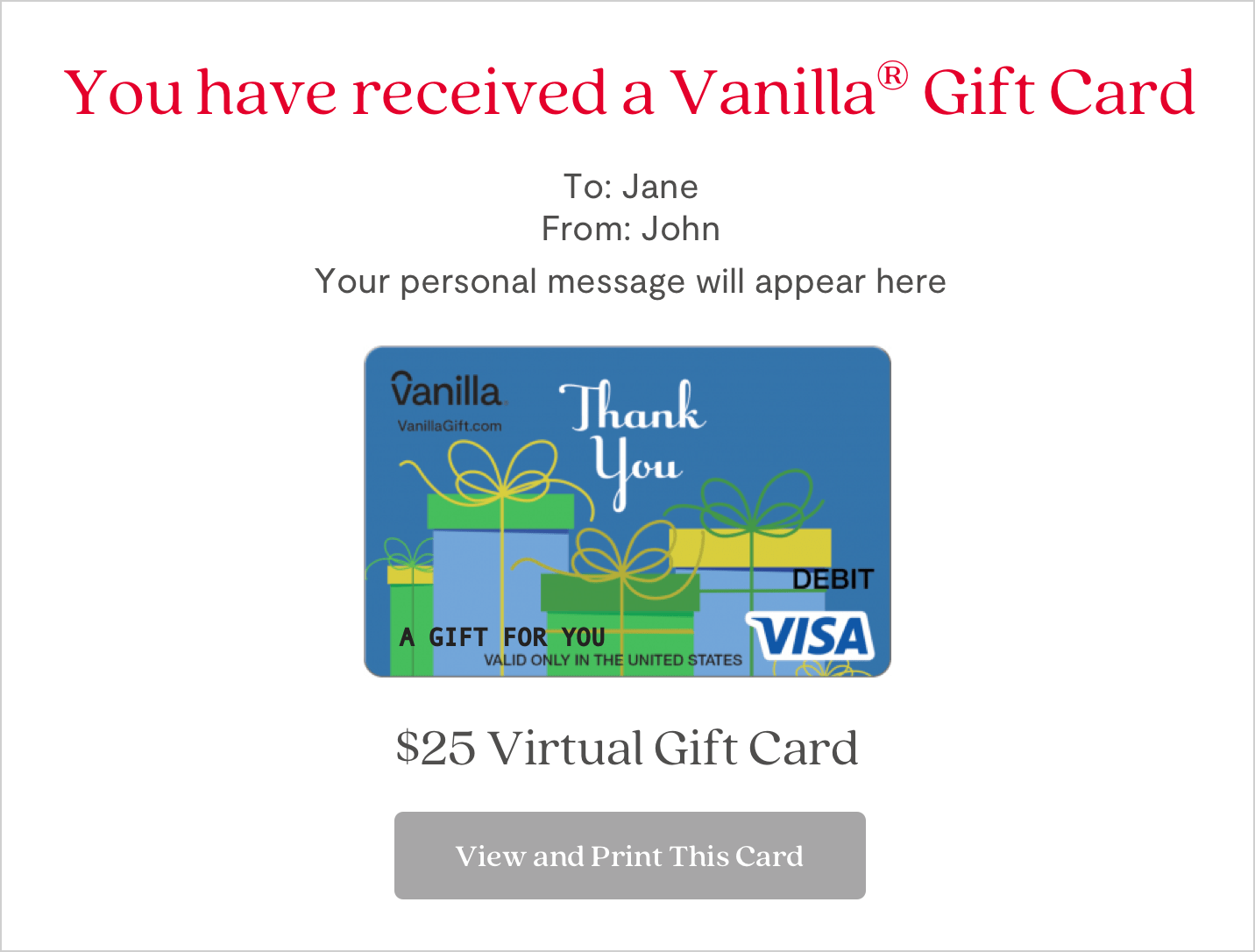
  • Physical and eGift Cards: Choose a physical Vanilla® Gift Card for in-person gifting or an eGift card for fast online delivery – a perfect option for planned celebrations or last-minute gifts.
  • Scheduled eGift Card Delivery: Prepare in advance for celebrations by ordering gift cards with scheduled delivery up to six months ahead.
  • $10-$500 Gift Card Values: Choose an amount to fit any budget, occasion, and recipient.

Using Your Vanilla Gift Card:

  • Nationwide Acceptance: Use your Vanilla Visa Gift Cards to shop with merchants in the United States and the District of Columbia.
  • Online and In-Store: Use your physical gift card to shop online or in-store nationwide, anywhere Visa debit is accepted.
  • Check Your Balance or Activate Your Card: Call 1-833-322-6760 or go to balance.VanillaGift.com
How to use to Shop In-Store with digital wallets:

The Visa® Gift Card can be used to pay with digital wallets: Apply Pay, Samsung Pay and Google Pay

  1. Open the Wallet/App on your device
  2. Take a photo of the Card or manually enter the Card details
  3. Follow the on-screen instructions

How to use to Shop Online:

  1. Make sure the balance of the Visa Gift Card is more than the entire cost of the purchase, including taxes
    1. Please note some transaction types require a hold of up to 20% above the purchase amount. See your Cardholder Agreement for more information
  2. Select ‘Credit/Debit’ as the Payment Method (Do not select ‘Gift Card’)
  3. In the Payment Method section, enter the card information as you would a credit or debit card
  4. In the Billing Address section, please fill in your name and address
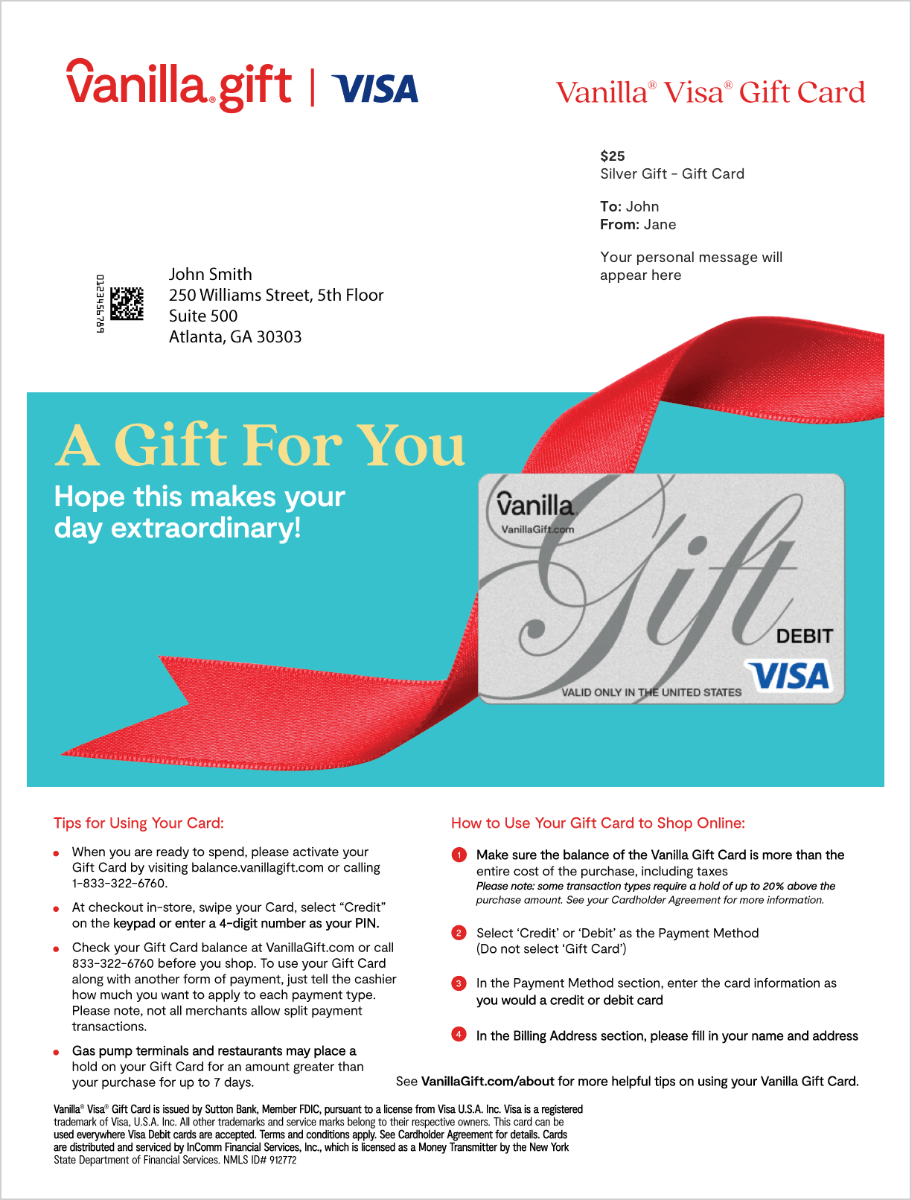
A vanilla gift card is shown on the screen
A vanilla gift card with red ribbon